What's new

Welcome to KO-MyKO | Forum

Join us now to get access to all our features. Once registered and logged in, you will be able to create topics, post replies to existing threads, give reputation to your fellow members, get your own private messenger, and so, so much more. It's also quick and totally free, so what are you waiting for?
Hızlı Bağlantılar Quick Links  TR & EN
 7.png KO Panel  7.png KO Panel Buraya Tıkla | Click here
 7.png Client İndir  7.png Client Download Buraya Tıkla | Click here
 1543929502_Balksz-1.png.2e54af31d7a62395cfa039ca0c56d0b7.png Oyun Rehberi  1543929502_Balksz-1.png.2e54af31d7a62395cfa039ca0c56d0b7.png Game Guide Buraya Tıkla | Click here
 1543929502_Balksz-1.png.2e54af31d7a62395cfa039ca0c56d0b7.png Power UP Store  1543929502_Balksz-1.png.2e54af31d7a62395cfa039ca0c56d0b7.png Power UP Store Buraya Tıkla | Click here
 itemicon_3_7902_10_0.jpg Upgrade Oranları  itemicon_3_7902_10_0.jpg Upgrade Rates Buraya Tıkla | Click here
 itemicon_3_9928_50_0.png Drop Listesi  itemicon_3_9928_50_0.png Drop List Buraya Tıkla | Click here
 itemicon_3_7920_00_0.jpg Tüm Yenilikler  itemicon_3_7920_00_0.jpg All Innovations Buraya Tıkla | Click here
 itemicon_3_7909_50_0.jpg Aktif Etkinlikler ve Savaş Detayları  itemicon_3_7909_50_0.jpg Active Events & War Details Buraya Tıkla | Click here
 itemicon_1_1011_00_0.jpg Başlangıç İtemleri  itemicon_1_1011_00_0.jpg Beginner Items  Buraya Tıkla | Click here

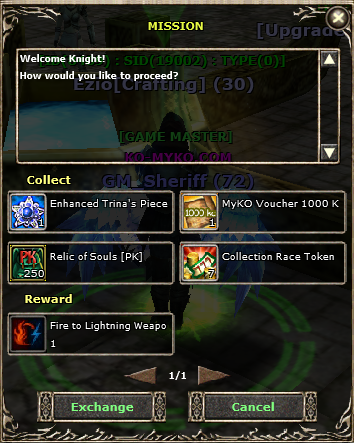
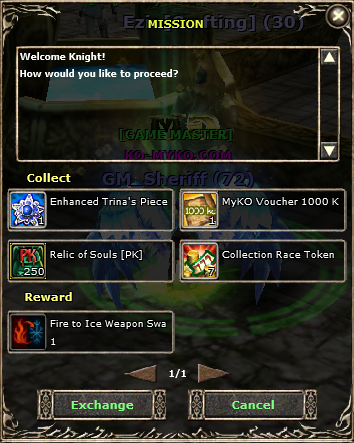
Weapon Swap Crafting & System

Sheriff

Moderator
Staff member
Joined
Feb 3, 2025
Messages
116
Reaction score
7
Points
18
🗡️🔄 Weapon Swap System – Guide

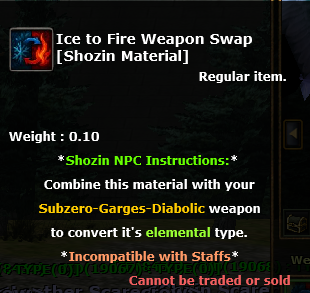
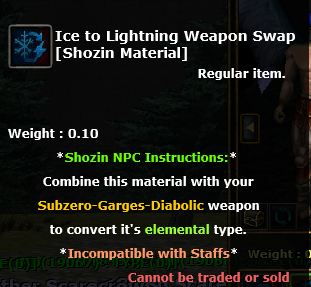
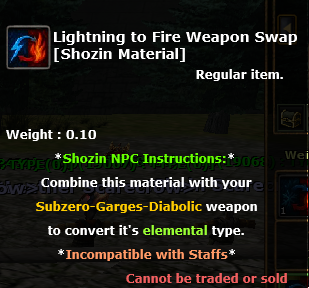
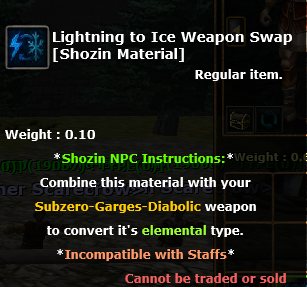
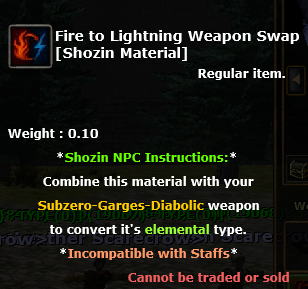
The Weapon Swap System allows players to swap weapons only between specific weapon lines by crafting a required item and using it at a special NPC.

⚔️ Weapon Lines Mapping

• Gargles → Lightning
• Diabolic → Flame
• Subzero → Glacier

❗ Note: Weapons outside these lines cannot be swapped, and staffs are incompatible with the swap system.
swap.png

swap1.png


🛠️ How It Works
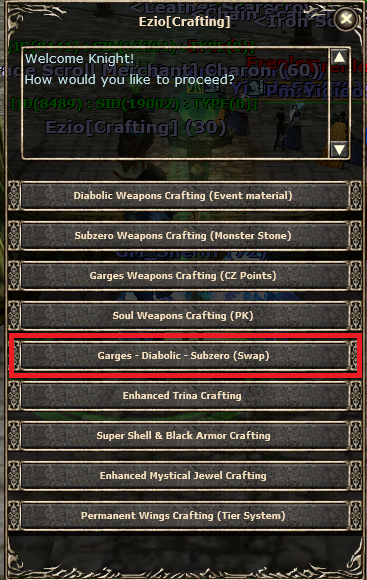
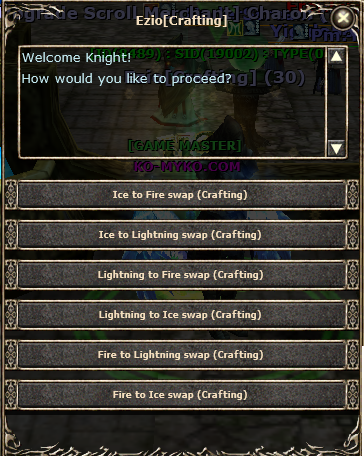
  1. Craft the required Weapon Swap Item (details in NPC - Ezio Crafting).​
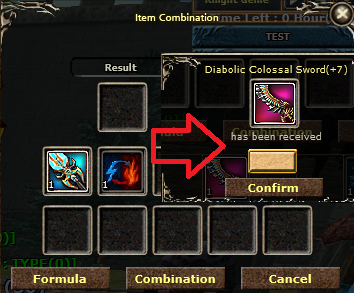
  2. Visit the Shozin NPC.​
  3. Select the weapon you want to swap and the desired compatible line.​
  4. Confirm the swap.​
  5. 🎉 Your weapon is now transformed into the selected line (stats may vary).​

⚠️ Restrictions
  • Only weapons in the listed lines can be swapped.​
  • Staffs cannot be swapped.​
  • Attempting to swap incompatible weapons will fail.​

swap2.png

swap3.png

swap4.png

swap5.png

swap6.png

swap7.png


Shozin NPC (Example):
swapicon7.png


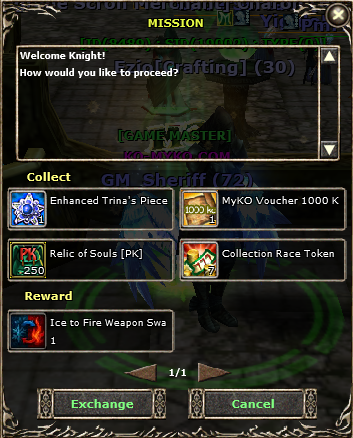
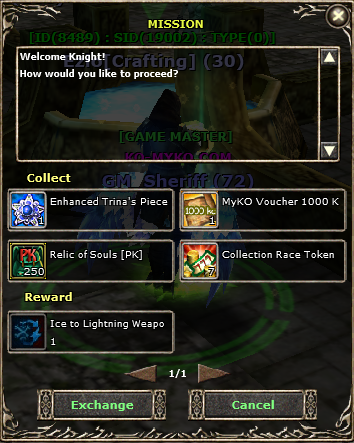
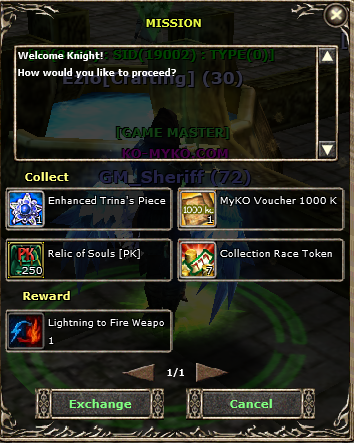
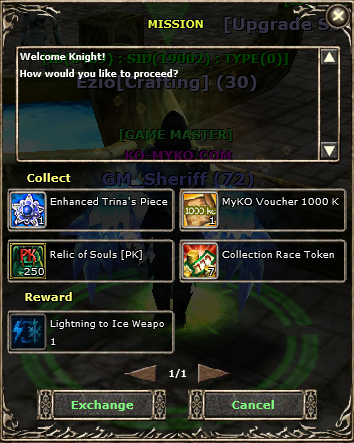
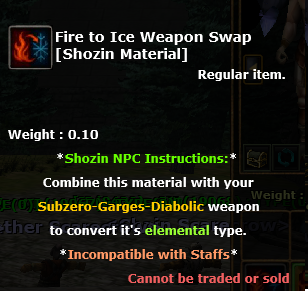
Weapon Swap Item (Preview):
swapicon1.png

swapicon2.png

swapicon3.png

swapicon4.png

swapicon5.png

swapicon6.png
 
shape1
shape2
shape3
shape4
shape5
shape6
Top